
Combining a class and pseudo-class
Can you combine class and pseudo-class to style elements? Learn how to precisely target and style elements with advanced pseudo-classes in CSS!

nanadwumor
RECOMMENDED ARTICLES

The @import Element – When Is It Used In CSS?
Discover how the [crayon-6aed6d4543f60505902037-i/] rule lets you modularize and combine your CSS files like a pro! Function: The [crayon-6aed6d4543f75840503101-i/] rule loads one stylesheet inside another. Placement: It must always appear before...

The Style Element in CSS
Learn how to quickly add CSS directly to your HTML using the [crayon-6aed6d45445e3056126092-i/] element without any external files required! Definition: The [crayon-6aed6d45445f1943597990-i/] element adds embedded CSS directly inside an HTML...

Alternate Stylesheets in CSS
Discover how native HTML and CSS allow users to switch website themes effortlessly without JavaScript! Persistent Stylesheets: Have no [crayon-6aed6d4544b0b868817585-i/] and are always active. Preferred Stylesheets: Have a...
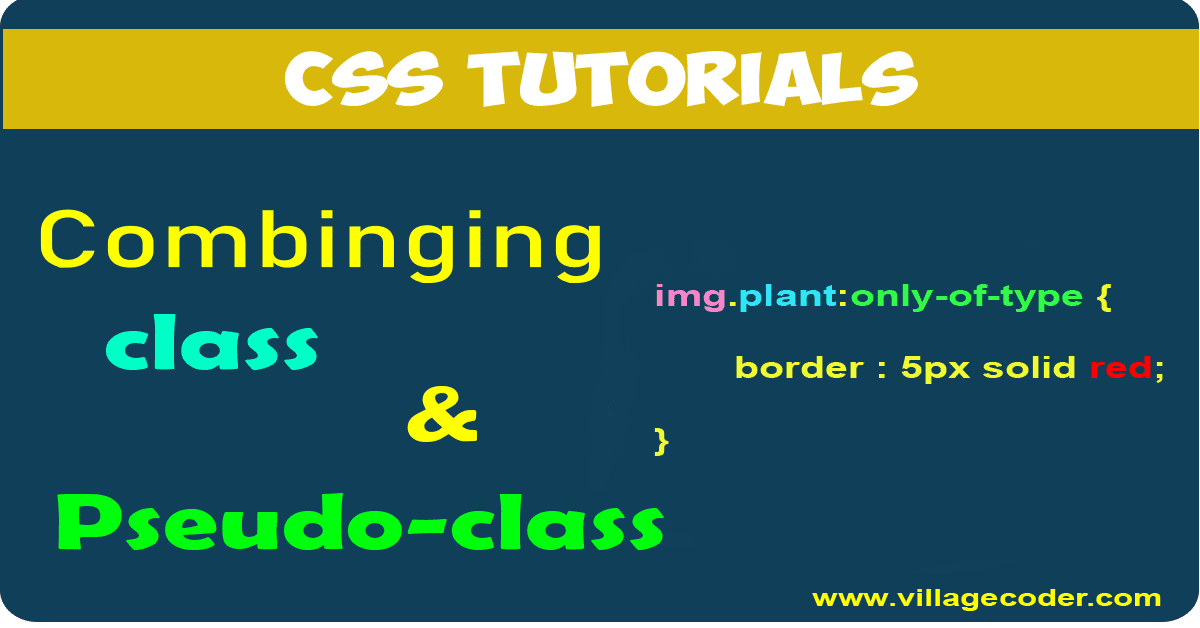
Just as two classes can be chained together, a class and a Pseudo-class can also be chained or combined to select and style an element. For example, consider this:
|
1 2 3 |
img.plant:only-of-type { border : 5px solid red; } |
The rule reads that, look for <img> element that’s the only element of its type and also has the class called *plant* and erect a 5px, solid, red border around it. Consider the html below
|
1 2 3 4 |
<a href="https://villagecoder.com"> <p>Java tutorials</p> <img class="plant" src="java.com" alt="Java tutorials"> </a> |
|
1 2 3 4 |
p:empty { display: none; } |
only-of-type targets only elements
The pseudo-class: only-of-type refers to elements only. For example, p:only-of-type means elements that are only of type <p>. This implies, that the pseudo-class doesn’t affect any attribute but element. For example, consider a modified form of the above HTML
|
1 2 3 4 5 6 7 |
<a href="https://villagecoder.com"> <p>Java tutorials</p> <img class="plant" src="java.com" alt="Java tutorials"> <img src="java.com" alt="Java tutorials"> </a> |
We have two <img> elements. The first <img> element has a class called “plant”. The second <img> element has no class.
Because there are two <img> elements, using the : only-of-type pseudo-class to target <img> will not work because none of the two is the only type. However, the first <img> has a class called plant while the second <img> has no class. You may think adding the class attribute will add specificity in order to select the <img> type with a class. That’s,
|
1 2 3 |
img.plant:only-of-type { border : 5px solid red; } |
Unfortunately, here, none of the <img> will be selected. The reason is that the : only-of-type targets only elements, and not classes or any others.
The rule reads that, find the <img> element which is of the only type of <img> among its siblings, and has a class called plant. Of course, because the siblings compromise two <img> , this rule cannot select either of the <img> elements.
The first child pseudo-class (:first-child)
The first child of a parent element can be styled using the :first-child pseudo-class without the need to manually figure out the first child among its siblings and target it with a defined class.
For example, when styling lists, such as <ul> or <ol>, you might want to apply special styling to the first item in the list. You could make the first item stand out by giving it a different background color or font style.
Consider the below markup :
|
1 2 3 4 5 |
<ul> <li>First item</li> <li>Second item</li> <li>Third item</li> </ul> |
If we want to style the first list item, we can do so as in :
|
1 2 3 |
li:first-child { font-weight: bold; } |
|
1 2 3 |
li:first-child { font-weight: bold; } |
|
1 2 3 4 |
<p> This picture <span> is nice <em>and beautiful</em> <img src="obama4.jpg" alt="President Obama"> </span> </p> |
The first heading of each section could be styled as:
|
1 2 3 |
section h2:first-child { color: #FF0000; /* Red color for the first heading in each section* } |
The last child pseudo-class (:last-child)
The last child of a parent element can be styled using the :last-child pseudo-class. Consider the below markup :
|
1 2 3 4 5 |
<ul> <li>First item</li> <li>Second item</li> <li>Third item</li> </ul> |
If we want to style the last <li> item, we can do so using :
|
1 2 3 |
li:first-child { font-weight: bold; } |
The rule reads that, look for the last child of <li> element and make the font weight bold.
Recent Comments